The most useful payment features for pubs and bars are those that help staff serve customers quickly, keep queues moving and take payments reliably throughout the venue. Fast contactless transactions, portable terminals, dependable connectivity, digital wallet support and clear transaction reporting can all make a noticeable difference during a busy service.
Payment requirements in hospitality can change throughout the day. A quiet lunchtime service may involve customers paying at the table, while a busy Friday evening may depend on rapid transactions across several bar points.
The right payment setup should support both situations without creating extra work for staff.
It should also help the venue manage tips, refunds, deposits, split bills and temporary staff access. A card machine is not simply a device used at the end of a sale. It is part of the wider customer service, cash-flow and operational process.
Why Is Payment Speed So Important?
Customers expect quick service in pubs and bars, particularly when ordering drinks at a busy counter.
A slow payment process can increase queue length even when staff prepare orders efficiently. A delay of only a few seconds per transaction becomes significant when dozens of customers are waiting.
Payment speed can be affected by:
- Terminal processing time
- Internet or mobile connectivity
- Till integration
- Staff familiarity with the machine
- Customer authentication
- Poorly positioned payment equipment
- Battery or hardware problems
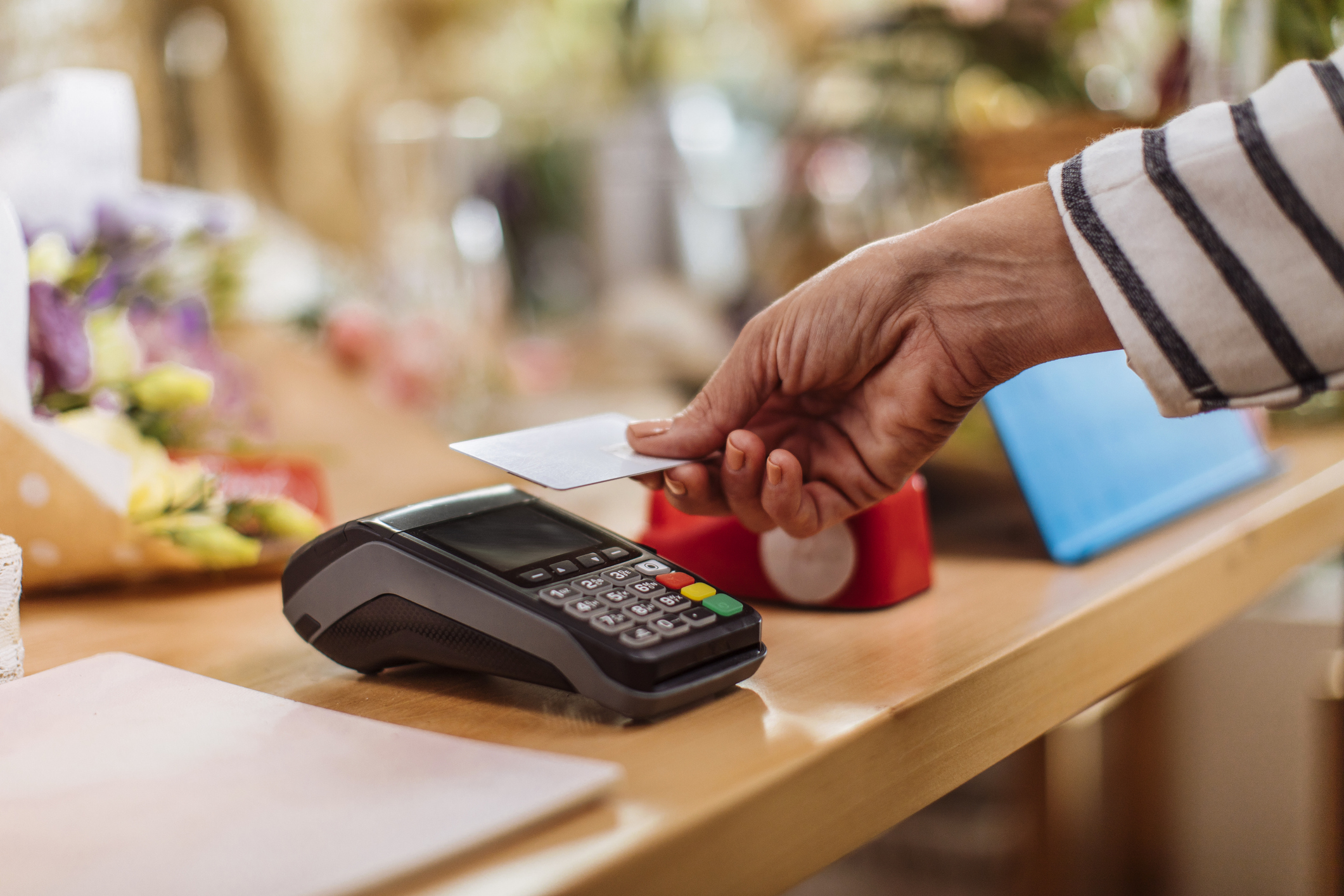
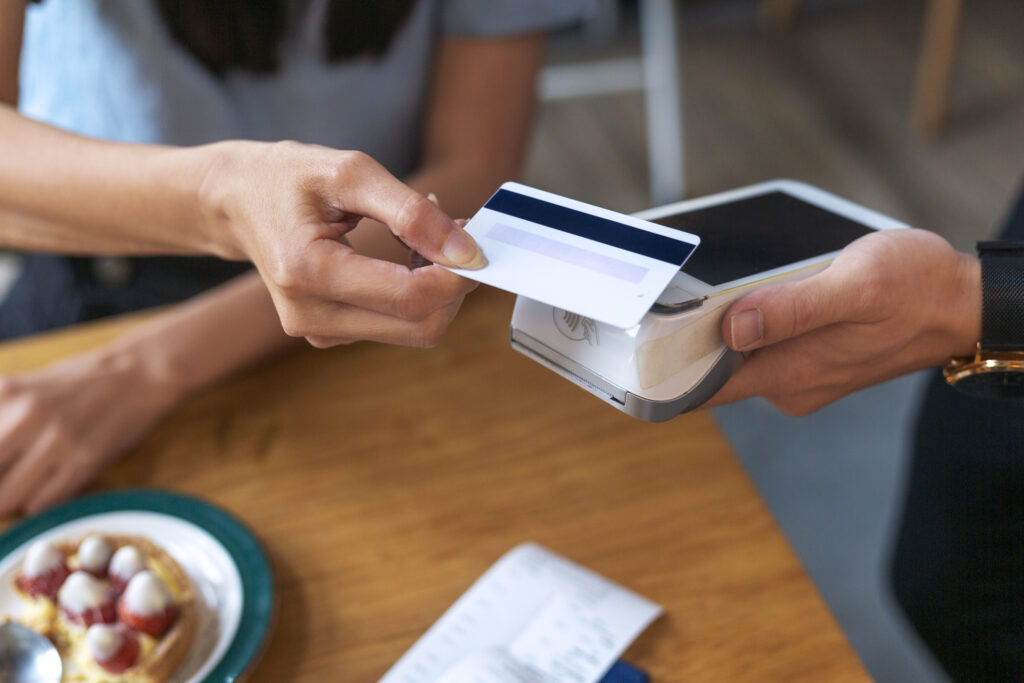
Contactless payments can help speed up lower-value transactions because customers can tap a compatible card, phone or wearable device rather than inserting a card and entering a PIN.
However, the machine still needs to connect and return an authorisation promptly. A contactless terminal with an unreliable signal will not create an efficient service.
Venues should test transaction speed during realistic busy periods rather than assuming a machine that works in a quiet office will perform equally well behind a crowded bar.
Contactless Card Payments
Contactless acceptance is one of the most useful features for pubs and bars.
Many hospitality purchases are relatively low in value, making them well suited to tap-based payments. Customers can pay using compatible debit cards, credit cards and mobile devices.
Contactless payments can help:
- Reduce transaction time
- Shorten queues
- Limit physical handling of cards
- Make payment easier for customers carrying drinks or bags
- Support customers who no longer regularly carry cash
Staff should still understand that some transactions will require chip and PIN verification. The machine may ask a customer to insert their card because of the transaction value, bank controls or previous contactless use.
A declined contactless attempt should not automatically be repeated several times. Staff should follow the instructions shown by the terminal.
Digital Wallet Support
Digital wallets allow customers to pay using compatible smartphones, smartwatches and other devices.
For pubs and bars, wallet support is useful because customers may not have their physical card easily available. A person may have left their wallet at home but still be able to pay using a device.
Digital wallets can also reduce typing and help the customer complete the transaction quickly.
The terminal should confirm approval through the venue’s own system. Staff should not rely on a screen, sound or notification displayed only on the customer’s phone.
A fake confirmation can be presented on a device even when no genuine transaction has reached the business.
Staff training should therefore make the correct procedure clear: the sale is complete only when the terminal or connected point-of-sale system confirms it.
Portable Card Machines
Portable terminals are particularly useful for pubs and bars with table service, beer gardens or several customer areas.
They allow staff to take payments:
- At the table
- In an outdoor seating area
- At a temporary bar
- During private events
- At separate service points
- Away from a fixed till
This can improve the customer experience because people do not need to leave their table or join another queue to pay.
Portable machines can also help staff close tables more quickly, especially at the end of a meal or when a group is preparing to leave.
The terminal needs enough battery capacity to operate throughout the service. It should also maintain a reliable connection in every area where staff will use it.
A machine that works beside the main bar may lose its Wi-Fi connection in the garden, function room or upstairs dining area.
Wi-Fi and Mobile Connectivity
Reliable connectivity is essential because card transactions normally require communication with the payment processor.
Depending on the terminal, a machine may connect through:
- Fixed broadband
- Wi-Fi
- Mobile data
- A combination of Wi-Fi and mobile data
Pubs and bars often have challenging layouts. Thick walls, cellars, extensions and outdoor spaces can all reduce signal strength.
Customer Wi-Fi use can also increase sharply during busy periods. If payment terminals share the same poorly configured network, performance may suffer.
Venues should test payment connectivity in:
- Every bar area
- Outdoor spaces
- Dining rooms
- Function rooms
- Entrances
- Temporary event areas
- Any location used for table service
A terminal with more than one connectivity option may provide useful resilience. For example, mobile data may allow payments to continue when the main broadband connection is unavailable.
Multiple Terminal Support
A busy venue may need more than one card machine.
Relying on a single terminal can create a bottleneck and leave the business unable to accept card payments if the device fails.
The right number depends on:
- Number of tills
- Customer capacity
- Typical transaction volume
- Table service requirements
- Number of separate bars
- Outdoor service
- Private events
- Peak trading periods
Each terminal should be clearly assigned or labelled.
The venue should know where each machine is kept, who is using it and whether it has been returned at the end of the shift.
Additional terminals may also be useful during seasonal peaks, major sporting events, live music nights or private functions.
Businesses should check whether their payment agreement allows them to increase or reduce the number of machines without entering a lengthy new contract.
Integration With Point-of-Sale Systems
A card terminal can operate separately from the till, but integration may reduce mistakes and save time.
With a suitable integrated setup, the till sends the payment amount directly to the terminal. Staff do not need to type it manually.
This can reduce the risk of:
- Entering the wrong amount
- Charging the customer twice
- Mismatched till and terminal totals
- Slower transaction handling
- Reconciliation problems
Integration can also help keep orders, payments and refunds connected within the venue’s reporting.
However, it adds another technical dependency. If the till integration stops working, staff need to know whether they can use the terminal independently and how those transactions should be recorded.
Before choosing a payment provider, the venue should confirm compatibility with its current point-of-sale system.
Tipping Features
Many pubs and bars allow customers to leave a tip through the card machine.
A suitable tipping feature should be straightforward for both the customer and staff.
The terminal may offer:
- A percentage tip
- A fixed amount
- A custom amount
- A clear no-tip option
The process should not create confusion or pressure.
Customers should be able to make a genuine choice, and staff should understand how tips are recorded and distributed.
The venue also needs to distinguish between:
- Voluntary tips
- Service charges
- Product sales
- Refunds
Clear reporting can help the business reconcile these amounts and manage payments to staff appropriately.
The tip screen should not delay every bar transaction unnecessarily. A table-service restaurant area may benefit from a tipping prompt, while a high-volume drinks-only counter may need a faster process.
The venue should configure the feature according to how it actually serves customers.
Split Bill Payments
Groups often want to divide a bill.
Customers may ask to:
- Split the total equally
- Pay for individual items
- Use several cards
- Combine cash and card
- Pay different amounts
- Add separate tips
A payment setup that handles split bills clearly can improve service and reduce staff frustration.
The till system usually manages the bill division, while the card terminal processes each payment.
Staff should confirm that the total amount collected matches the amount owed. Mistakes are more likely when a large bill is divided into several uneven transactions.
The venue should also have a clear approach to partially paid bills. Staff need to know what remains outstanding if one payment is declined or a customer leaves before the split is complete.
Bar Tabs and Pre-Authorisation
Some pubs and bars allow customers to open a tab, particularly during table service, private events or longer visits.
A tab may be handled through:
- A table number
- A customer name
- A stored payment token
- A pre-authorised card
- A deposit
- A physical card retained by the venue
Businesses should avoid retaining a customer’s physical card unless they have a clear, safe and permitted procedure.
A secure system that pre-authorises or tokenises the payment method may provide a better approach.
The terms should be clear. Customers need to understand whether an amount is being temporarily authorised, charged immediately or held as a deposit.
Staff should know how to:
- Add items correctly
- Close the tab
- Process the final amount
- Handle a declined final payment
- Release any unused authorisation
- Deal with disputed items
A tab feature is useful only when the venue can manage it accurately.
Refund and Void Controls
Refunds and voided transactions are necessary in hospitality, but they should be controlled carefully.
A refund may be needed because:
- The wrong amount was charged
- An item was unavailable
- A customer was charged twice
- A booking was cancelled
- A service problem occurred
- A transaction needs to be reversed
Not every staff member needs unrestricted refund access.
Venues can reduce misuse by:
- Requiring manager approval
- Restricting high-value refunds
- Using individual staff accounts
- Refunding to the original payment method
- Reviewing unusual refund activity
- Recording a reason for each refund
- Comparing refunds with till records
A void normally cancels a transaction before it is fully completed or settled, while a refund returns money after the payment has been processed. Staff should understand which action is appropriate.
Using the wrong process can create confusing records and delays for the customer.
Individual Staff Logins
Individual user access can improve both security and accountability.
When all employees share one login, it becomes difficult to identify who:
- Processed a refund
- Changed a setting
- Voided a transaction
- Opened a till
- Completed a manual payment
- Adjusted a tip
Separate user accounts or staff PINs help the business review activity more accurately.
Permissions can also reflect each employee’s role. A temporary bar worker may be allowed to accept payments but not issue refunds or access reports.
Managers should remove access promptly when someone leaves.
Seasonal hospitality businesses should pay particular attention to this because temporary staff may join and leave within a short period.
Transaction Reporting
Good payment reporting helps pubs and bars understand daily takings and identify problems.
Useful reports may show:
- Gross card sales
- Refunds
- Tips
- Declined transactions
- Terminal activity
- Sales by location
- Settlement totals
- Payment methods
- Chargebacks
Reports should be easy to compare with the point-of-sale system and bank settlements.
Discrepancies can occur when:
- A payment is processed independently of the till
- A refund appears in one system but not another
- A terminal is assigned to the wrong bar
- A transaction is duplicated
- A settlement crosses accounting days
- Tips are recorded separately
Daily reconciliation can identify issues while staff still remember what happened.
Waiting until the end of the month can make it much harder to investigate a missing or unusual transaction.
Fast Settlement Information
Cash flow matters in hospitality because stock, wages and suppliers often need to be paid regularly.
The venue should understand:
- How quickly funds are settled
- Whether weekends affect settlement
- Which account receives the money
- How fees are deducted
- How refunds appear
- What causes a payment to be held
- How settlement reports are accessed
A low transaction fee does not necessarily create the best arrangement when settlement is difficult to understand or reconcile.
Clear payment reports help managers forecast cash flow and confirm that expected revenue has reached the bank.
Offline Payment Claims
Some terminals or providers may describe offline payment capabilities.
Businesses should understand exactly what this means.
An offline transaction may be stored temporarily and submitted later when connectivity returns. This can allow service to continue, but it may also create financial risk because the payment has not yet received full online authorisation.
A card could later be declined.
The venue should ask:
- Whether offline payments are supported
- Which transactions qualify
- Whether value limits apply
- Who carries the financial risk
- How staff know a payment is offline
- When stored payments are submitted
- What happens when authorisation later fails
Offline capability should not be treated as a guaranteed replacement for reliable connectivity.
Receipt Options
Some customers want a receipt, particularly for business expenses or meals.
Useful receipt options may include:
- Printed receipts
- Email receipts
- Text receipts
- Till-generated itemised receipts
- Digital payment confirmation
The card receipt and itemised till receipt serve different purposes. A card receipt confirms the payment, while the till receipt shows what was purchased.
Portable terminals with built-in printers can be convenient, but they require paper and regular maintenance.
Digital receipts may reduce paper use, although customers should not be forced to provide marketing consent simply to receive proof of payment.
Staff should know how to reprint or resend a receipt when requested.
Easy Charging and Battery Management
Portable terminals need a practical charging routine.
Useful equipment features may include:
- Long battery life
- Clear battery indicators
- Charging docks
- Replaceable or durable chargers
- Fast charging
- Easy access to charging points
The venue should charge all machines before service and return them to a known location afterwards.
A busy bar cannot rely on staff remembering to find a cable when a battery reaches five per cent.
Charging docks positioned near staff-only areas can help terminals remain organised and ready.
The venue should also check battery performance periodically. Batteries can deteriorate over time and may no longer last as long as they did when new.
Simple Staff Interface
Hospitality staff need to process payments quickly without navigating complicated menus.
The terminal interface should make common tasks easy, including:
- Taking a standard payment
- Adding a tip
- Cancelling an incorrect amount
- Reprinting a receipt
- Processing an approved refund
- Checking transaction status
Temporary staff should be able to learn the essential functions quickly, but sensitive features should remain protected.
Clear prompts are particularly important when the venue is noisy or crowded. Staff should not need to read long technical messages while customers wait.
The machine should also make it obvious when a payment is:
- Processing
- Approved
- Declined
- Cancelled
- Waiting for a PIN
- Requiring the card to be inserted
Payment Links for Deposits and Events
Pubs and bars may take payments before the customer arrives.
Examples include:
- Private room deposits
- Christmas bookings
- Ticketed events
- Large group reservations
- Food pre-orders
- Function balances
- Minimum-spend deposits
A secure payment link can make these transactions easier.
The venue can send the customer a link containing the correct amount and booking reference. The customer pays online without needing to read card details over the phone.
Payment links can reduce administration and create a clearer record than informal telephone payments.
The booking terms should still explain:
- Whether the payment is refundable
- The cancellation deadline
- What the deposit covers
- When the remaining balance is due
- What happens if the venue cancels
Customer Authentication
Some card payments require additional customer authentication.
For an online deposit or payment link, the customer may need to confirm the transaction through a banking app, one-time passcode or another method.
The payment process should guide the customer clearly and return them to a confirmation page.
For in-person payments, the terminal may ask the customer to insert the card and enter a PIN rather than using contactless.
Staff should allow the machine to guide the transaction rather than trying to bypass the request.
Repeated failed authentication may indicate that the customer needs to contact their bank or use another payment method.
Security and Terminal Checks
Card machines should be checked regularly for damage or tampering.
Staff should look for:
- Loose card slots
- Broken casing
- Unfamiliar attachments
- Unexpected cables
- Missing security seals
- Changes to the keypad
- Unusual software screens
Portable machines should not be left unattended in customer areas.
At the end of each shift, the venue should confirm that every terminal has been returned and stored securely.
Staff should also be cautious about unexpected calls claiming to be from technical support. Passwords, verification codes and refund access should not be provided to an unverified caller.
When a terminal behaves unusually, the venue should stop using it and contact the payment provider through known details.
Reliable Support
Payment support is especially important for pubs and bars because many of their busiest periods fall outside standard office hours.
A terminal failure at 8pm on a Saturday can affect far more revenue than the same issue during a quiet weekday morning.
Venues should ask:
- What hours support is available
- How urgent faults are handled
- Whether remote troubleshooting is provided
- How replacement terminals are supplied
- What happens during a service outage
- Whether help is available at weekends
- Who supports till integration issues
Staff should have access to verified support details without searching online during a fault.
The business should also know whether the problem belongs to the payment provider, point-of-sale supplier, broadband company or another service.
Flexible Contracts
A payment setup should be able to change with the venue.
A pub may open a new garden bar, add table service or host more private events. It may also reduce the number of terminals during quieter months.
Long, inflexible contracts can make these changes expensive.
Before committing, check:
- Minimum contract length
- Notice period
- Terminal rental terms
- Charges for adding machines
- Replacement costs
- Cancellation fees
- Automatic renewal
- Monthly minimums
Gorilla Pay offers transparent payment arrangements and 30-day rolling contracts, helping businesses avoid unnecessary long-term commitments.
Which Features Matter Most for Different Venues?
Not every pub or bar needs the same payment setup.
High-volume city bars
These venues may prioritise rapid contactless transactions, multiple integrated terminals and reliable fixed connectivity.
Traditional pubs
A traditional pub may need a mixture of countertop and portable machines, clear reporting and simple staff controls.
Gastropubs
Table service, tipping, split bills and integration with food ordering may be especially important.
Sports bars
Several payment points and fast transaction handling can help manage sudden rushes before matches and during intervals.
Rural pubs
Mobile data backup and careful connectivity testing may be more important where broadband reliability is limited.
Event and music venues
Temporary bars, ticket payments, deposits and scalable terminal numbers may be key priorities.
Seasonal venues
Flexible contracts and the ability to adjust terminal numbers can help control costs outside peak periods.
What Should Pubs and Bars Ask a Payment Provider?
Before choosing a provider, the venue should ask:
- Which terminals suit our service areas?
- Can the machines use Wi-Fi and mobile data?
- Do they support contactless and digital wallets?
- Can they integrate with our point-of-sale system?
- How are tips recorded?
- Can permissions be restricted by staff role?
- How quickly are funds settled?
- What reports are available?
- What happens if a terminal fails?
- Is weekend support available?
- Can we add or remove machines?
- How long is the contract?
- Are there hidden or minimum charges?
- Can payment links be used for deposits?
The provider should be able to explain the practical implications of each option without relying on unclear technical language.
Gorilla Pay supplies card payment machines and flexible payment services for hospitality businesses.
Frequently Asked Questions
Are portable card machines suitable for busy pubs?
Yes, provided they have reliable connectivity, sufficient battery life and a simple staff interface. They can be particularly useful for table service, gardens and separate bar areas.
Can pubs accept tips through a card machine?
Many modern terminals support card tipping. The venue should check how tips are configured, reported and distributed.
Do bars need more than one card terminal?
Busy venues often benefit from multiple terminals. The correct number depends on customer volume, service points, layout and the consequences of one machine failing.
Can card machines work in beer gardens?
They can, but connectivity should be tested in the exact outdoor area. Wi-Fi coverage may be weaker, so a mobile data option can be useful.
Can pubs use payment links for booking deposits?
Yes. Payment links can help collect deposits for events, private functions, large bookings and Christmas parties.
What should staff do if a customer says they have paid?
Staff should confirm approval through the venue’s own terminal or payment system. A screen or notification shown only on the customer’s phone is not sufficient proof.
Choosing Payment Features That Support Better Service
The best payment features for pubs and bars are those that solve real operational problems.
Fast contactless payments help queues move. Portable terminals improve table and outdoor service. Reliable connectivity prevents delays, while individual staff controls and clear reporting support better security and reconciliation.
Features such as tipping, split bills, payment links and point-of-sale integration can also be valuable, but only when they fit the venue’s service model.
Businesses should avoid choosing a payment solution based on the terminal’s appearance or one advertised transaction rate. Support, contract flexibility, connectivity and ease of use may have a much greater effect on everyday trading.
The right setup should feel almost invisible to the customer. It should allow staff to take payment quickly, confirm the result clearly and move on to serving the next person.
Gorilla Pay provides transparent and flexible card payment solutions for UK pubs, bars and hospitality venues. Explore our payment services, compare available payment machines or contact Gorilla Pay to discuss your requirements.
Phone: 02392 253322
Email: gorillas@gorillapay.co.uk
Find out more: https://gorillapay.co.uk