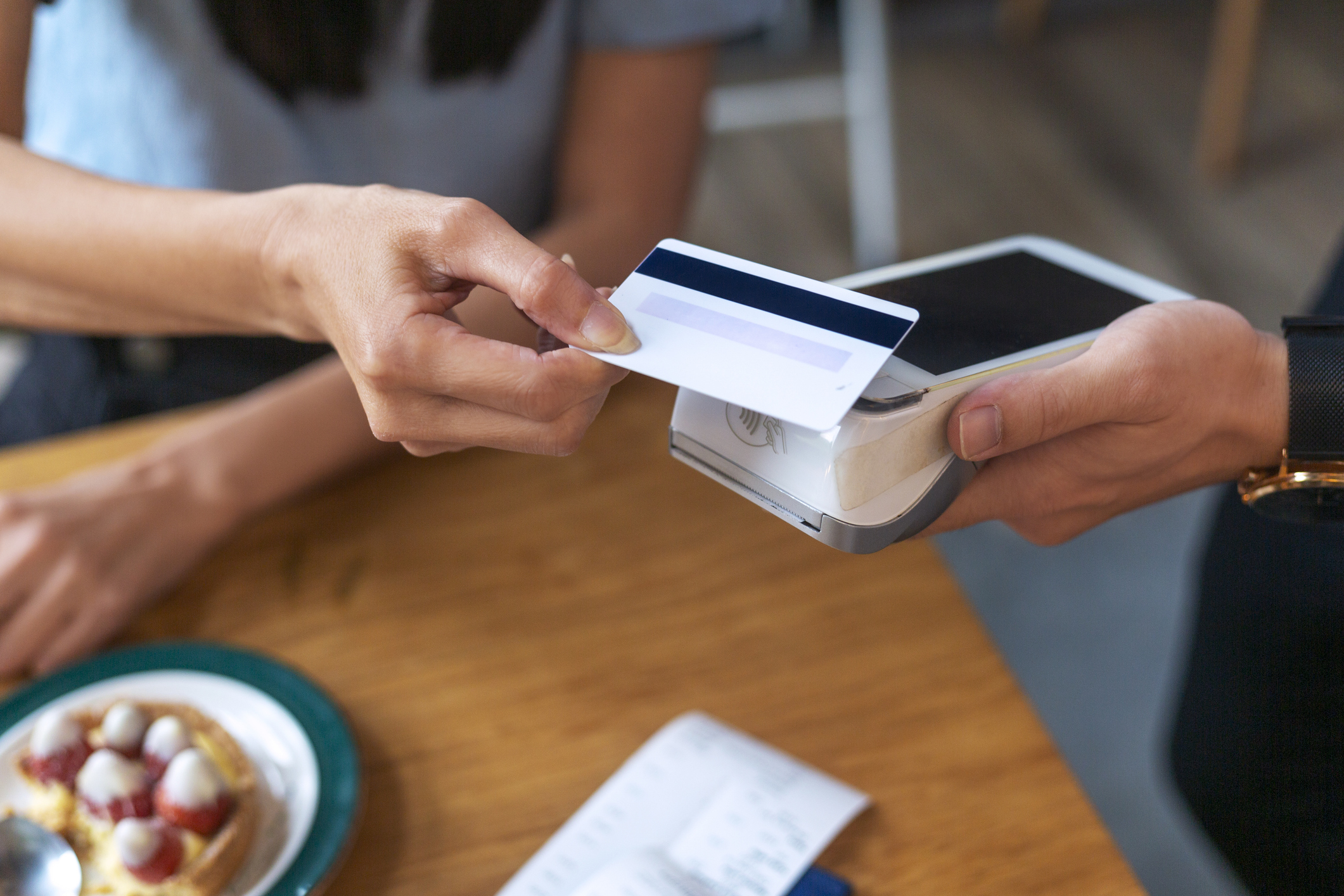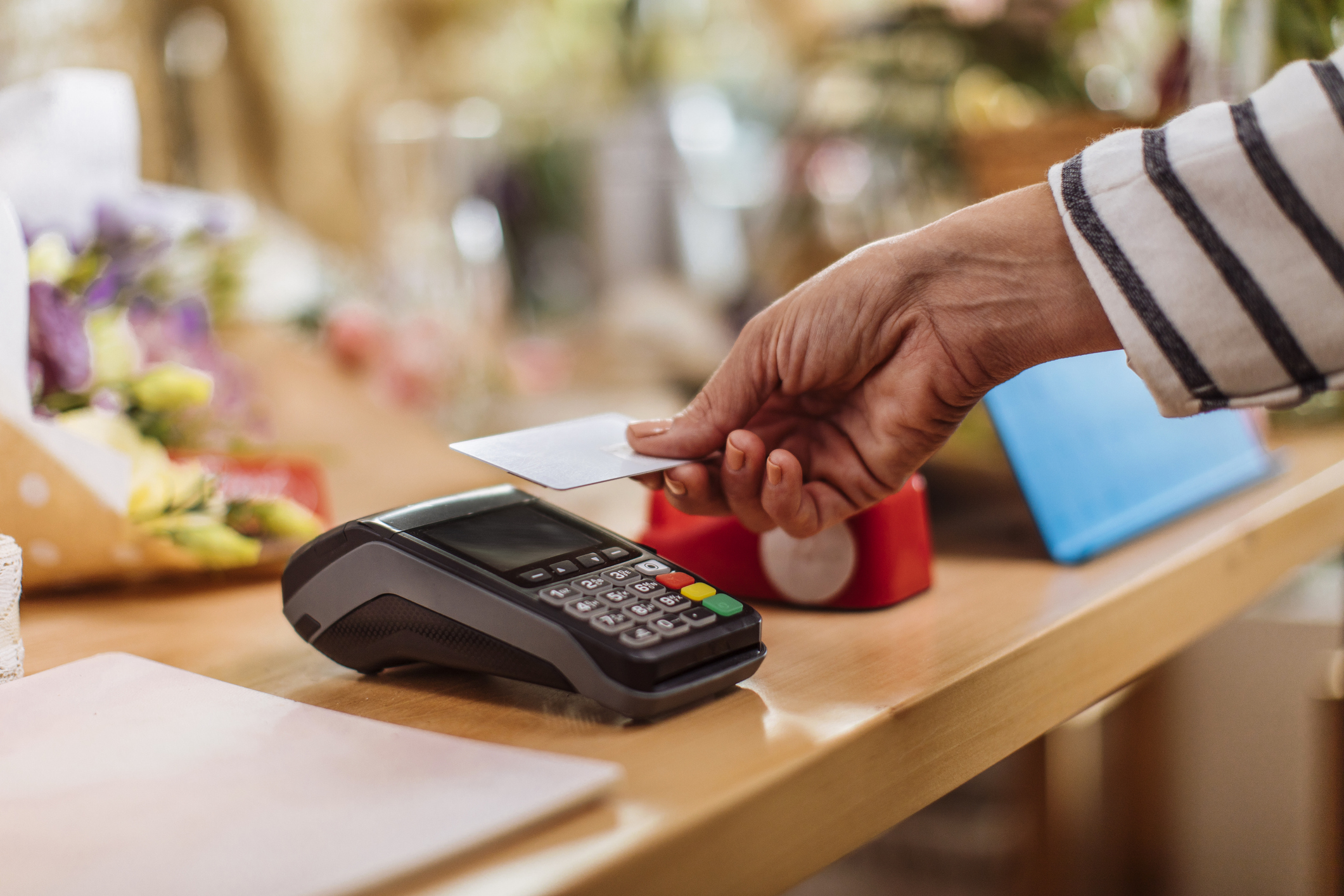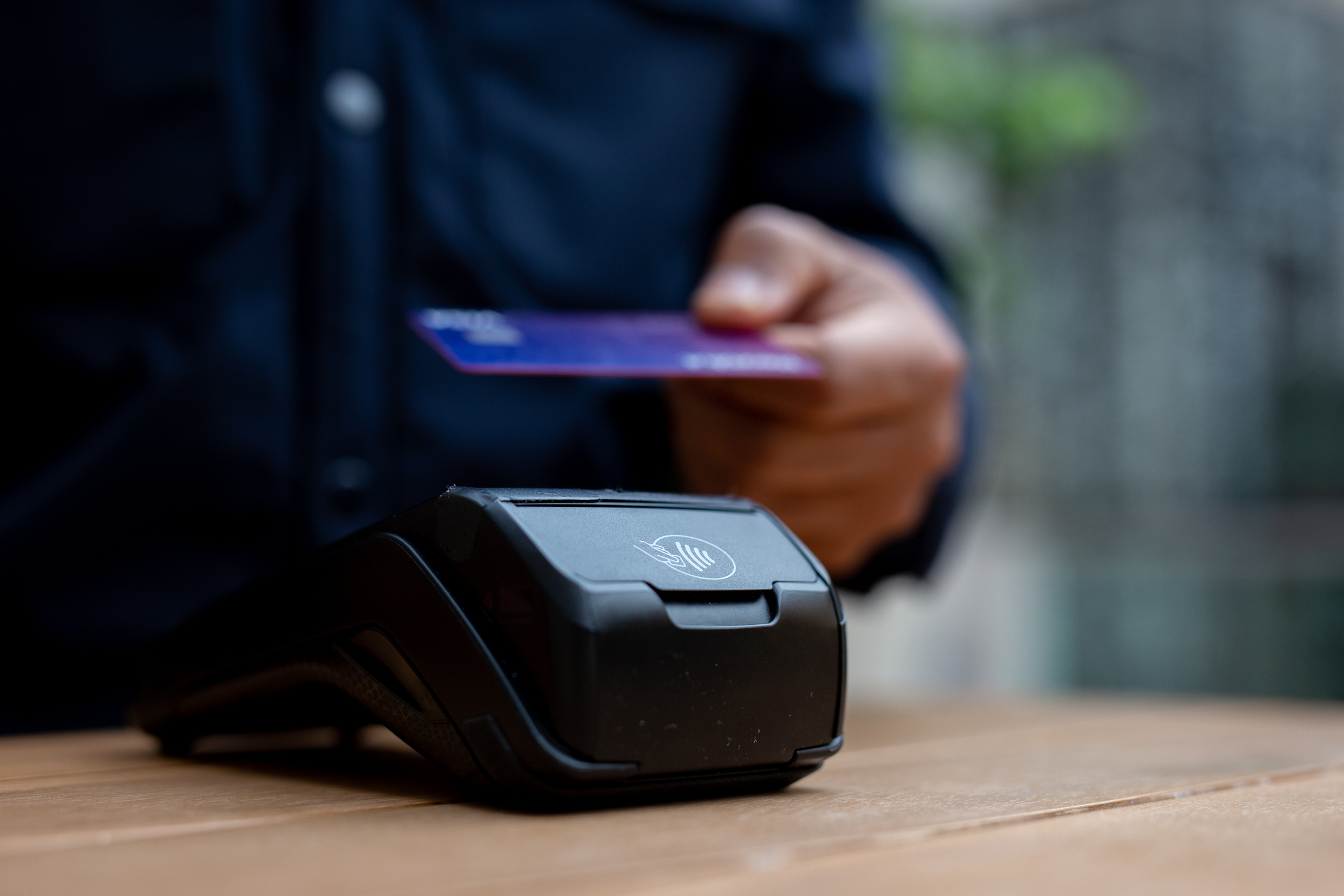
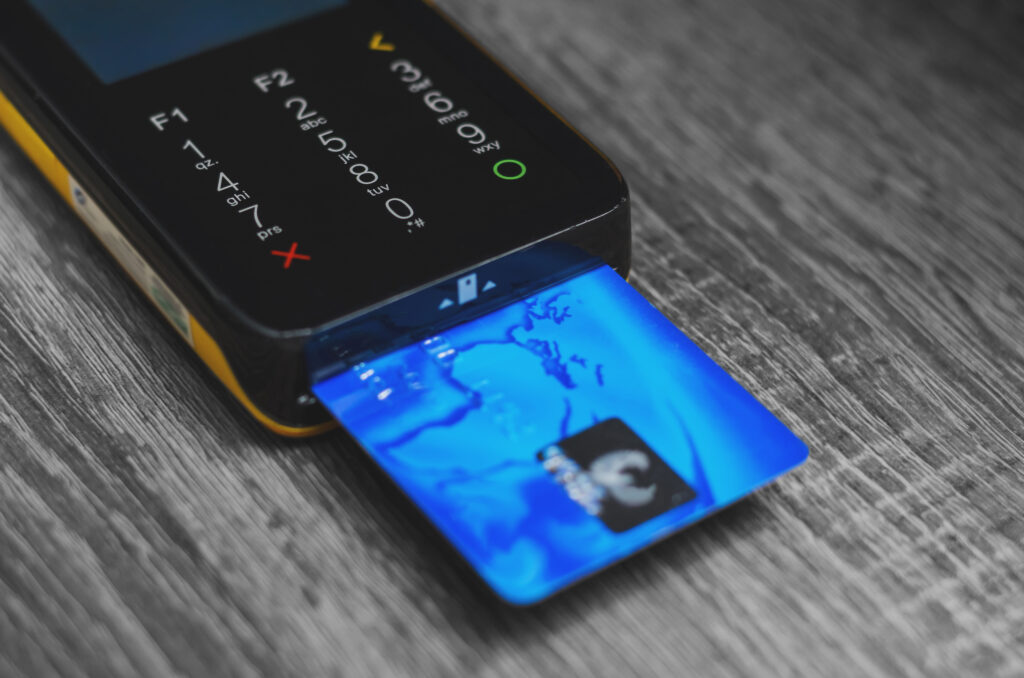
Modern card payment machines are designed with several layers of security to protect businesses, customers and payment information. Technologies such as chip and PIN, encryption, contactless transaction controls and secure payment processing have made card-present payments significantly more difficult to intercept or copy than older magnetic stripe transactions.
However, no payment system should be treated as completely risk-free.
A secure terminal still needs to be supplied by a reputable provider, installed correctly, kept up to date and checked regularly for signs of interference. Staff also need to follow sensible procedures when handling refunds, telephone requests and unusual transactions.
For most small businesses, the important question is not simply whether modern card machines are secure. It is whether the complete payment setup, including the terminal, network, provider, staff procedures and account access, is being managed securely.
How Do Modern Card Machines Protect Payment Information?
A modern card payment machine does much more than read a card number and send it to a bank.
When a customer inserts, taps or uses a mobile wallet, the terminal communicates with a payment processor to request authorisation. Security controls are used throughout that journey to reduce the risk of payment information being intercepted, altered or reused.
The precise process varies between providers and payment methods, but several common protections are involved.
Chip technology makes cards harder to copy
Chip and PIN payments use information stored securely within the card’s embedded chip.
Unlike an old magnetic stripe, the chip is designed to interact with the terminal during the individual transaction. This makes it more difficult for criminals to create a functioning counterfeit card using information copied from a genuine payment.
EMVCo develops and manages specifications supporting secure chip-based contact and contactless transactions. It also oversees testing and approval processes for compatible payment devices.
Chip technology does not prevent every type of fraud. A stolen physical card may still be misused, and fraud can occur through online or telephone payments. Nevertheless, chip-based payments provide stronger protection than relying on magnetic stripe information alone.
Payment information can be encrypted
Encryption turns readable information into a protected format that cannot easily be understood without the appropriate cryptographic key.
In a secure card payment environment, sensitive payment information is protected while being processed or transmitted. This reduces the value of intercepted data because it should not be readable in its protected form.
Some payment systems also use point-to-point encryption. This is intended to protect card data from the point where it is captured by the payment device through to the secure environment where it is decrypted and processed.
Businesses should ask their provider how payment data is protected, rather than assuming every terminal uses exactly the same security arrangement.
Secure authorisation helps identify suspicious payments
Card machines do not normally approve transactions independently.
The terminal sends the transaction for authorisation, allowing relevant checks to be carried out by the payment processor, card network and issuing bank. Depending on the transaction, this may include checking:
- Whether the card has been reported lost or stolen
- Whether sufficient funds or credit are available
- Whether the transaction appears unusual
- Whether additional customer verification is needed
- Whether the payment falls within contactless limits or risk rules
The response is then returned to the terminal, which displays whether the transaction has been approved or declined.
This process happens quickly, but several parties and security controls may be involved behind the scenes.
What Is PCI DSS?
PCI DSS stands for the Payment Card Industry Data Security Standard.
It is a widely used security standard intended to help protect cardholder data and sensitive authentication information. It applies to organisations that store, process or transmit cardholder data, as well as organisations that can affect the security of the cardholder data environment.
The current PCI Security Standards Council document library includes PCI DSS version 4.0.1. It also includes related guidance, assessment documents and standards covering different parts of the payment environment.
PCI DSS is broader than the physical card machine. It can cover areas such as:
- Network security controls
- Access to payment systems
- Protection of stored card information
- Software security
- Vulnerability management
- Staff responsibilities
- Monitoring and testing
- Incident response procedures
The exact compliance responsibilities of a business depend on how it accepts payments, which providers it uses and whether card information enters or is stored within its own systems.
Using a reputable payment provider can make the process easier, but it does not mean a business can ignore security altogether.
For example, staff still need to protect login details, inspect terminals, follow the provider’s instructions and avoid recording sensitive card information unnecessarily.
What Is PCI PTS?
PCI PTS refers to PIN Transaction Security standards for payment devices and related hardware.
These standards include security requirements for point-of-interaction devices, such as card terminals and PIN entry devices. They are intended to address risks including physical tampering, malicious modification and attacks against sensitive payment information.
The PCI Security Standards Council maintains recognised laboratories that evaluate relevant products against PCI PTS standards.
Its document library currently lists PCI PTS Point of Interaction Modular Security Requirements version 7.0 among its featured documents.
Small businesses are not expected to test terminals themselves. Instead, they should obtain payment equipment from an established provider that supplies appropriate, supported devices.
A business should be cautious if it is offered:
- A second-hand terminal from an unknown source
- A machine with unclear ownership
- Equipment that cannot receive software updates
- A terminal with no supporting documentation
- A machine that appears damaged or altered
- A payment device that has already been configured for another business
Even a genuine card machine may be unsuitable if its approval has expired, its software is no longer supported or it has not been securely reconfigured.
Are Contactless Card Payments Secure?
Contactless payments are designed to provide a quick payment experience without removing the need for security controls.
EMV contactless technology supports payments made with contactless chip cards and near-field communication enabled mobile devices. The card or device communicates with the terminal over a very short distance.
The payment is not simply a public broadcast of every piece of information printed on the customer’s card.
Contactless transactions use secure chip-based processes, and banks can require further verification when appropriate. A customer may occasionally be asked to insert the card and enter a PIN, particularly after a number of contactless transactions or when a transaction triggers additional checks.
Contactless fraud is still possible, particularly when a physical card has been lost or stolen. However, customers are generally protected by their card issuer’s fraud procedures, provided they report suspicious transactions promptly and have not acted fraudulently themselves.
From a merchant’s perspective, the terminal should be used as intended. Staff should not attempt to bypass prompts, split transactions artificially or process a payment repeatedly without understanding why it has been declined.
Are Apple Pay and Google Pay Secure?
Mobile wallets can provide strong security because they do not necessarily expose the customer’s underlying card number during the transaction.
EMV payment tokenisation replaces valuable card information with a payment token. A token has restricted usefulness and is designed to reduce the risk associated with compromised card numbers.
Mobile devices may also require the customer to authenticate using:
- A fingerprint
- Facial recognition
- A device passcode
- Another secure verification method
This means a mobile payment can involve both chip-based payment security and device-level authentication.
Businesses do not normally need to handle mobile wallet payments differently. A compatible card machine should guide the customer and process the transaction through the normal authorisation route.
The important point is to ensure the machine genuinely supports the wallet being used and that the final approved result appears on the merchant terminal or point-of-sale system.
Staff should not rely solely on a payment confirmation screen shown on the customer’s phone. Fraudsters may use fake apps, edited screenshots or misleading notifications. The business should verify approval through its own payment system.
What Happens to a Customer’s Card Details?
In a well-designed payment setup, the business should not need to see or manually record the customer’s complete card details.
The terminal captures the necessary payment information and sends it securely for processing. The receipt may display only part of the card number, helping the business and customer identify the payment without printing the complete number.
PCI DSS distinguishes between cardholder data and sensitive authentication data. Cardholder data can include the primary account number, cardholder name, expiry date and service code. Sensitive authentication data can include full track information, card verification codes and PIN information.
Businesses should avoid writing down or storing card information unless they have a legitimate, compliant reason and an approved process for doing so.
In particular, staff should never record a customer’s PIN. Card security codes used for remote transactions must also be handled according to the relevant payment rules and should not be retained after authorisation.
The safest approach is usually to keep card information out of the business’s own systems wherever possible and allow the approved payment provider to handle the sensitive processing.
Can a Card Machine Be Hacked or Tampered With?
A card terminal is a specialised computer, so physical tampering and cyber attacks are possible risks.
Modern payment terminals are designed to resist certain forms of interference, but businesses should still inspect them. Criminals may attempt to replace terminals, attach skimming equipment, modify components or persuade staff to install unauthorised software.
A compromised terminal may not always look obviously broken. Small changes can be easy to miss unless the business knows what the machine normally looks like.
Warning signs may include:
- A broken or missing security seal
- Damage around the card slot or keypad
- Loose components
- Unexpected cables or attachments
- Changes to the terminal’s weight or appearance
- Unfamiliar software screens
- Requests for passwords from an unexpected caller
- A replacement terminal arriving without prior agreement
- The machine restarting or behaving unusually
If anything appears suspicious, staff should stop using the machine and contact the provider through a verified telephone number.
They should not use a number supplied in an unexpected email, text message or caller prompt. The National Cyber Security Centre advises businesses dealing with suspected payment fraud to contact their bank directly using official contact details.
Why Physical Security Still Matters
Cyber security often receives more attention, but the physical location of the terminal is equally important.
A portable terminal left unattended may be stolen, exchanged for another machine or altered. A countertop machine positioned away from staff may be accessible to anyone entering the premises.
Businesses should know:
- How many terminals they have
- Where each terminal is normally kept
- Its identifying or serial information
- Who is authorised to move or replace it
- Who to contact if it is lost
- How replacement equipment will be delivered
Terminals should be stored securely when the business is closed. Portable machines used in hospitality or mobile trading should be returned to a known location at the end of each shift.
A simple daily visual check can help staff notice damage or changes before accepting payments.
How Secure Is the Internet Connection?
A card machine may connect through broadband, Wi-Fi or a mobile network. The available options depend on the terminal and provider.
A secure terminal does not automatically make the business’s entire network secure.
Businesses should protect routers, Wi-Fi networks, tablets, point-of-sale systems and administrative accounts. Default passwords should be changed, software should be updated and access should be limited to people who genuinely need it.
Where practical, payment devices should not share an unrestricted network with public customer Wi-Fi.
The National Cyber Security Centre recommends that small organisations take measures such as protecting devices and securing important online accounts. It also highlights the importance of removing access for former staff, suppliers and contractors from business systems, including payment and point-of-sale services.
The payment provider should explain the connectivity requirements for the terminal. Businesses should follow those instructions rather than experimenting with unsupported network configurations.
What Security Risks Come From Staff Accounts?
Many payment security problems involve account access rather than the physical terminal.
A fraudster may try to obtain:
- Payment dashboard passwords
- Merchant account login details
- Refund permissions
- Remote access to a point-of-sale device
- One-time verification codes
- Bank account change approval
- Staff administrator credentials
Criminals may pose as the payment provider, bank, technical support team or business owner. They may claim that the terminal needs an urgent update or that a test refund must be processed.
Staff should never provide passwords, PINs or verification codes to an unexpected caller.
Each employee should have an individual account where the payment system supports it. Shared administrator passwords make it more difficult to control access or determine who performed an action.
Multi-factor authentication should be enabled on merchant dashboards and related business accounts wherever available.
When a member of staff leaves, their access should be removed promptly. The business should not wait until the next routine account review.
How Can Refund Fraud Be Reduced?
Refunds are an important but sometimes overlooked payment risk.
A dishonest employee or external fraudster may try to issue refunds to a card that did not make the original purchase. They may also process false returns, inflate refund amounts or exploit a poorly controlled payment account.
Businesses can reduce this risk by:
- Restricting refund permissions
- Requiring management approval above a set value
- Refunding to the original payment method
- Reviewing unusual refund activity
- Keeping accurate transaction records
- Removing former employees’ access
- Investigating repeated voids and reversals
A clear refund process protects both the business and genuine customers.
Staff should understand that a request framed as urgent or confidential is not a reason to ignore normal controls.
How Can Businesses Keep Their Card Machines Secure?
Security does not need to become an overwhelming technical exercise.
A practical routine can prevent many common problems.
Check the terminal regularly
Inspect the machine at the start of the day or shift. Look at the card slot, keypad, casing, cables and security seals.
Staff should know what the genuine machine looks like so they can recognise changes.
Install updates when instructed
Payment terminals may receive software and security updates from the provider. Follow the approved update process and contact the provider when a machine appears unable to update.
Do not install applications or software from unknown sources.
Verify support requests
A genuine payment provider should be able to identify itself and follow a recognisable support process.
When an unexpected caller asks for access, passwords or payment actions, end the call and contact the provider through its official details.
Train everyone who handles payments
Security guidance should not be limited to managers.
Any employee who accepts payments, processes refunds or uses the merchant portal should understand:
- How to identify an approved transaction
- What to do when a card is declined
- How refunds should be processed
- How to recognise terminal tampering
- Who can authorise replacements
- How to report a suspected incident
The NCSC’s guidance for small organisations emphasises that cyber security is a responsibility shared across the team.
Use a trusted payment provider
The provider should offer clear information about equipment, support and payment security.
Businesses should be able to ask:
- Is the terminal supported and appropriately approved?
- How are payments encrypted?
- How are updates delivered?
- What happens if the terminal is lost or stolen?
- What is the procedure for suspicious activity?
- How quickly can faulty equipment be replaced?
- What PCI DSS responsibilities does the business have?
- Who can access the merchant account?
Unclear or dismissive answers should be treated cautiously.
What Should You Do if a Card Machine Is Lost?
A missing terminal should be treated as a security incident, even when theft has not been confirmed.
The business should contact its payment provider immediately and ask for the terminal to be disabled or blocked where possible.
It should also:
- Check when and where the machine was last used.
- Review which staff had access to it.
- Preserve any relevant CCTV or transaction records.
- Change associated account passwords if advised.
- Monitor the merchant account for unusual activity.
- Follow the provider’s incident reporting instructions.
- Contact the police if theft is suspected.
The machine should not simply be replaced without investigating what happened.
What Should You Do if a Terminal Looks Suspicious?
Stop using it.
Do not continue accepting transactions while waiting to see whether the problem resolves itself. Move customers to another approved terminal or payment method where possible.
Contact the provider using verified details and explain exactly what has changed.
Avoid opening the terminal, removing attachments or attempting to repair it unless the provider gives explicit instructions. Interfering with the machine may damage evidence or create further security risks.
Record:
- When the issue was noticed
- Who discovered it
- The terminal’s location
- Recent unusual behaviour
- Any suspicious visitors or calls
- Whether payments were processed after the issue began
The provider can then advise whether transactions, customer notifications or further reporting need to be considered.
Frequently Asked Questions
Are contactless card machines easier to hack?
Contactless terminals use secure chip-based payment technology and short-range communication. They are not automatically easier to compromise than chip and PIN machines, although businesses must still use approved and supported equipment.
Can staff see a customer’s full card number?
In a properly configured payment setup, staff should not need to see the complete card number. Receipts and transaction records usually show only limited identifying information.
Should a business keep card receipts?
Businesses may retain receipts for accounting, customer service or dispute purposes, but they should store them securely and avoid retaining unnecessary payment information. Retention procedures should reflect the information shown on the receipt.
Are mobile card machines as secure as countertop terminals?
A reputable mobile terminal can use similar encryption, chip and payment authorisation controls to a countertop machine. Security depends on the device, provider, configuration and how the business manages it.
What is the safest way to process a refund?
Follow the provider’s approved process and return the money to the original payment method wherever possible. Restrict refund permissions and review unusual activity.
Does using a compliant card machine make the whole business PCI compliant?
Not necessarily. The machine is only one part of the payment environment. Compliance responsibilities may also include staff processes, networks, account access and the way payment data is handled.
How Secure Are Card Payment Machines Overall?
Modern card payment machines are generally highly secure when they are approved, correctly configured and supplied through a reputable payment provider.
Chip technology, encryption, payment authorisation, tokenisation and established industry standards all help protect transactions. These safeguards make it difficult for criminals to obtain useful card information through an ordinary in-person payment.
The greatest weaknesses often arise around the terminal rather than inside it. Poor password controls, untrained staff, unattended equipment, fraudulent support calls and ignored software updates can undermine an otherwise secure payment system.
Small businesses should therefore combine reliable payment technology with straightforward daily procedures.
Choose supported equipment, inspect it regularly, control access to refunds and merchant accounts, train staff and contact the provider immediately when anything appears unusual.
Gorilla Pay supplies modern card payment machines backed by practical support and clear payment arrangements. Explore our card payment services, view available payment machines or contact Gorilla Pay to discuss a secure setup for your business.
Phone: 02392 253322
Email: gorillas@gorillapay.co.uk
Find out more: https://gorillapay.co.uk