Online businesses can speed up customer payments by making checkout as simple, secure and convenient as possible. A slow or complicated payment process can quickly frustrate customers, especially when they are ready to buy. Even small delays, confusing forms or limited payment options can lead to abandoned baskets.
For ecommerce businesses, faster customer payments are not just about convenience. They can improve conversion rates, reduce admin, support cash flow and create a more professional customer experience.
The aim is simple: remove unnecessary friction between the customer choosing a product and completing their payment.
Why do online customer payments slow down?
Online payments often slow down because the checkout process asks customers to do too much.
Common issues include:
- Long checkout forms
- Forced account creation
- Limited payment methods
- Slow-loading payment pages
- Unclear delivery costs
- Poor mobile checkout design
- Failed authentication steps
Customers expect online payments to feel quick and familiar. If the process becomes awkward, many will leave rather than continue.
Why does checkout speed matter?
Checkout speed directly affects sales.
When customers reach the payment stage, they have already shown buying intent. Losing them at this point means the business has done the hard work of attracting interest but failed at the final step.
A faster checkout can help businesses:
- Reduce abandoned baskets
- Improve customer satisfaction
- Increase completed orders
- Encourage repeat purchases
- Create a smoother brand experience
Speed does not mean rushing customers. It means making payment clear, simple and easy to complete.
Offer popular payment methods
One of the most effective ways to speed up online payments is to offer payment methods customers already use and trust.
Most online retailers should support:
- Debit cards
- Credit cards
- Apple Pay
- Google Pay
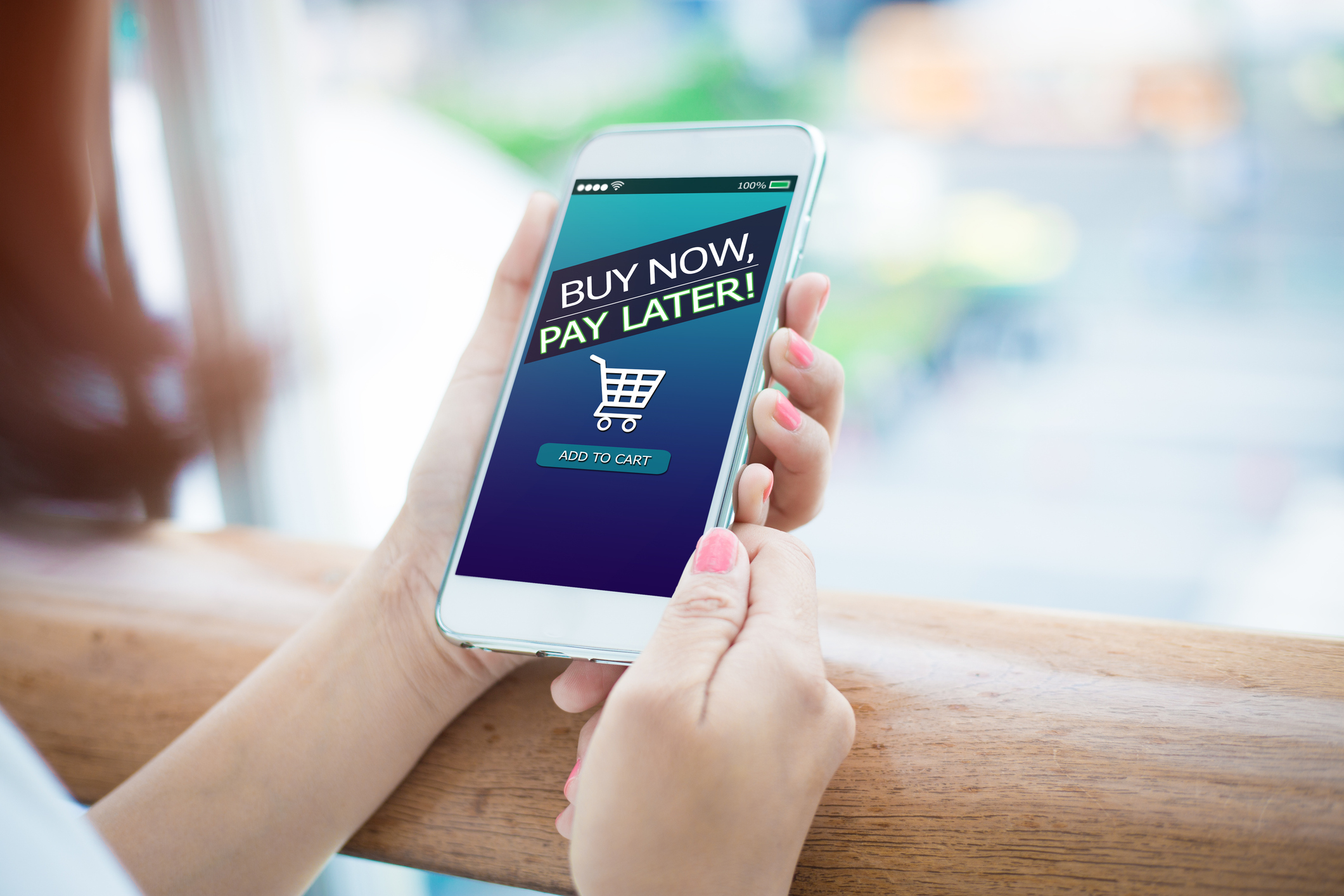
Depending on the audience, some businesses may also consider PayPal, payment links or Buy Now Pay Later options.
Why do digital wallets help?
Digital wallets can make online payments much faster, especially on mobile devices.
With Apple Pay or Google Pay, customers often do not need to manually enter card details, billing addresses or security codes. This reduces typing, saves time and helps avoid errors.
Digital wallets are particularly useful for mobile shoppers because entering card information on a small screen can be frustrating.
Simplify checkout forms
Long forms slow customers down.
Online businesses should only ask for information that is genuinely needed to complete the order.
For example, if a business does not need a company name, date of birth or extra account details, those fields should not be required.
A faster checkout usually includes:
- Fewer form fields
- Clear labels
- Autofill support
- Simple address lookup
- Easy error messages
- Guest checkout options
The easier the form is to complete, the faster customers can pay.
Allow guest checkout
Forced account creation is a common reason customers abandon baskets.
Many customers want to buy quickly without creating a password or setting up a profile. Offering guest checkout allows them to complete payment first, with the option to create an account afterwards.
This is especially useful for:
- First-time customers
- One-off purchases
- Mobile shoppers
- Gift buyers
Businesses can still encourage account creation after the order is complete, when the customer has already converted.
Improve mobile payment experience
A large number of ecommerce purchases now happen on mobile devices. If mobile checkout is slow or difficult, payment completion rates can suffer.
Mobile checkout should be designed for smaller screens, with:
- Large buttons
- Short forms
- Clear spacing
- Fast-loading pages
- Digital wallet options
- Simple navigation
Customers should not need to pinch, zoom or scroll excessively to complete payment.
Use a reliable payment gateway
The payment gateway plays a major role in checkout speed.
A reliable online payment gateway should process transactions quickly, handle authentication smoothly and reduce failed payment attempts.
Businesses should consider whether their gateway offers:
- Fast transaction processing
- Strong uptime
- Mobile-friendly checkout
- Ecommerce platform integration
- Secure payment handling
- Clear error messages
A slow or unreliable gateway can damage trust and reduce completed orders.
Make costs clear before payment
Unexpected costs at checkout can stop customers from paying.
Customers should know the full price before they reach the final payment screen. This includes delivery charges, VAT where relevant and any additional fees.
Clear pricing helps reduce hesitation and builds trust.
Businesses should avoid surprising customers with:
- Late delivery charges
- Unexpected handling fees
- Unclear tax additions
- Complicated discount rules
Transparency helps customers move through checkout more confidently.
Reduce payment failures
Payment failures slow customers down and can lead to lost sales.
Some failed payments are unavoidable, but businesses can reduce the risk by using payment systems with clear prompts and strong technical reliability.
Helpful features include:
- Clear decline messages
- Easy retry options
- Multiple payment methods
- Secure authentication
- Reliable fraud checks
Customers should understand what went wrong and how to fix it without needing to restart the whole order.
Use payment links for invoices and remote sales
Not every online payment happens through a traditional ecommerce basket.
Some businesses take payments for:
- Services
- Deposits
- Custom orders
- Phone enquiries
- Social media sales
Payment links can speed up these transactions by allowing businesses to send customers a secure link to pay online.
This can be much faster than asking for a bank transfer or manually chasing invoices.
Integrate payments with ecommerce platforms
Integrated payment systems can speed up payments and reduce admin.
For businesses using Shopify, WooCommerce or similar platforms, the payment solution should work smoothly with the website checkout.
Good integration can help with:
- Automatic order confirmation
- Faster checkout
- Accurate stock updates
- Easier refunds
- Better reporting
When systems do not integrate properly, businesses may spend more time fixing errors and reconciling payments manually.
Keep the checkout visually trustworthy
Speed and trust work together.
A fast checkout still needs to feel secure. If a payment page looks unfamiliar, outdated or poorly branded, customers may hesitate.
Trust-building elements include:
- Secure checkout indicators
- Recognisable payment logos
- Clear confirmation messages
- Professional page design
- Consistent branding
Customers are more likely to complete payments quickly when they feel confident.
Test the checkout regularly
Businesses should regularly test their own checkout process.
This should include testing on:
- Desktop
- Mobile
- Tablet
- Different browsers
- Different payment methods
Testing helps identify slow pages, broken buttons, confusing form fields or payment errors before customers experience them.
A simple test purchase can reveal issues that analytics alone may not show.
Frequently Asked Questions
What is the fastest online payment method?
Digital wallets such as Apple Pay and Google Pay are often among the fastest options because customers do not need to manually enter card details.
Does guest checkout improve payment speed?
Yes. Guest checkout can reduce friction by allowing customers to buy without creating an account first.
Can a payment gateway slow down checkout?
Yes. A slow or poorly integrated payment gateway can delay transactions and increase abandoned baskets.
Why do customers abandon online payments?
Common reasons include long forms, unexpected costs, limited payment options, slow pages and security concerns.
How can small online shops speed up payments?
Small online shops can speed up payments by offering digital wallets, simplifying checkout forms, using a reliable payment gateway and making costs clear early.
Faster online payments can help businesses reduce friction, improve customer experience and increase completed orders. If your business needs a flexible online payment solution, Gorilla Pay supports UK businesses with payment gateway options designed for smooth, secure customer payments.
Phone: 02392 253322
Email: gorillas@gorillapay.co.uk
Find out more: https://gorillapay.co.uk